The parts you dread, removed
Eight things go wrong in nearly every creator booking. Each one is a missing price or a missing rule.
Booking today
With Fanpay
Everything you need to book a creator
Real numbers, published rates, and money that only moves when the work does
Live media kits
Audience per account rather than one blended follower count, plus formats, turnaround and past work — on a page the creator keeps current, with every figure dated.
Rates you can plan against
Every format priced, and usage rights, exclusivity, rush and extra revisions quoted before you commit. One payment and one receipt, at the moment you book.
Access by work email
Verify with your work address and the rates open. Fans never see them, and you never wait on a call to get them.
Held until you approve
Committed when you accept, released when you've seen the placement. It auto-approves after 72 hours, which is the rule that makes creators willing to wait at all.
When something goes wrong
A missed delivery date refunds you automatically — you don't have to ask. A wrong or deleted post opens a dispute, and nothing releases until it's settled.
Brief to live post
in four steps
No rate request, no call, and nothing paid before you’ve seen the work
Open
Their media kit — audience per account, formats, turnaround and past work

Unlock
Verify with your work email and every rate opens. No call, no chasing
Book
Pick a format at its published price, add usage rights, set your dates
Approve
Check the live post. Approve, the creator is paid, and that's the receipt
Where this is up to
Written so you can tell what you’d be using today
- Live now
Media kits and rates
Audience per account, published prices, priced add-ons, and access by work email. Open the example above and you're using it.
- In build
The brand workspace
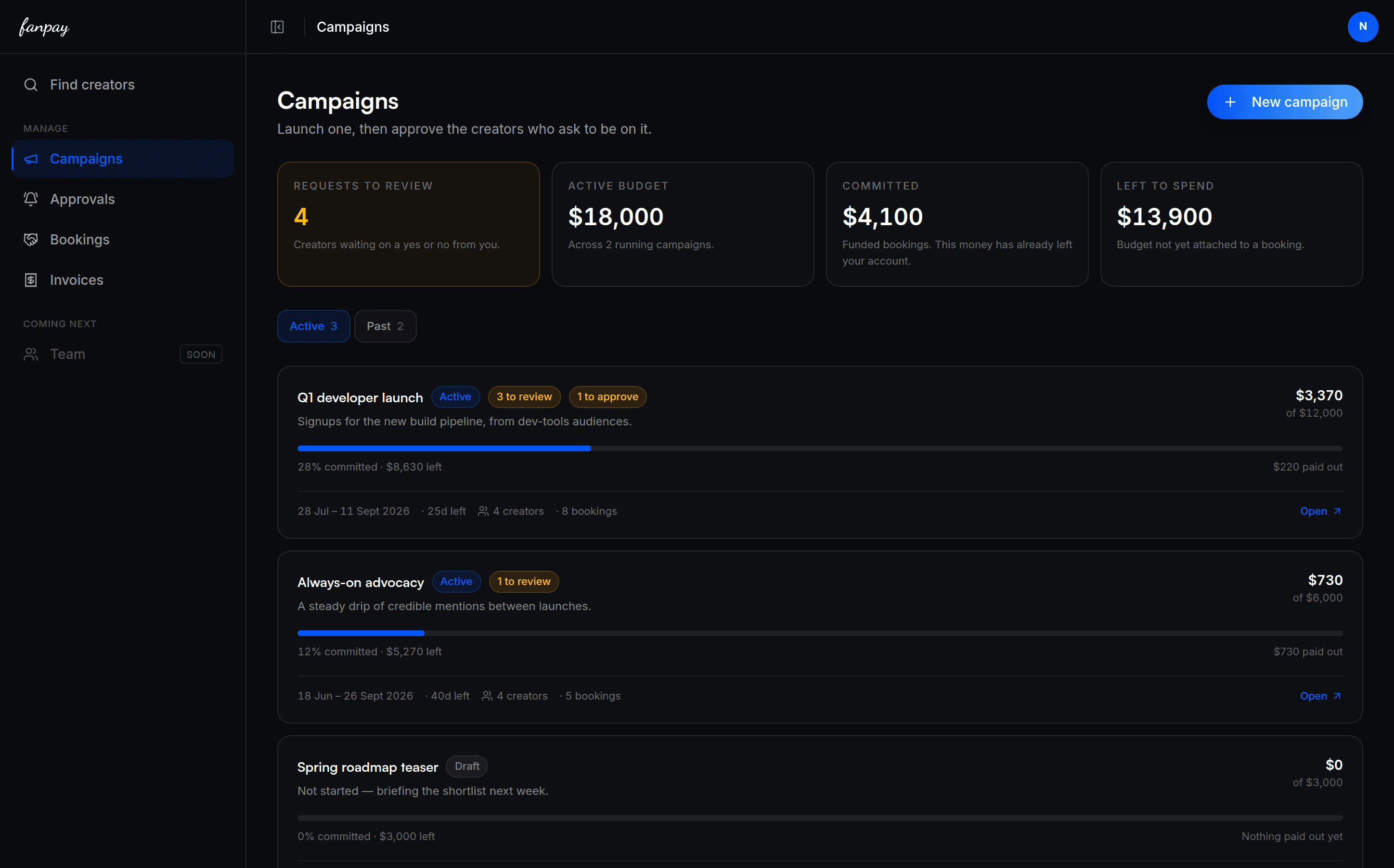
Several bookings in one place, paid from one account, with every clock and receipt in the same view. This is what we're on now.
- Next
Agency rosters
One workspace across many creators, shared rate cards, split payouts. After the brand side — a roster tool needs bookings first.
What we’re planning
Be among the first
brands to book
We're building the brand side now. Tell us who you are and what you'd book, and we'll bring you in as it lands.